Imagine a client quietly telling your account manager that their company is about to restructure. They share it because they trust that person. The account manager adds a note to the CRM.
A few months later, you connect an AI assistant to that CRM. It is a good decision. Your team now asks questions in plain language and gets answers in seconds. Which clients have not heard from us in a month? What did we promise this one last quarter?
And somewhere in those answers is the note about the restructuring. It has travelled to a new reader. The client never met that reader and was never asked.
The Quiet Shift
Nothing dramatic happened. No data was stolen. Nobody did anything wrong.
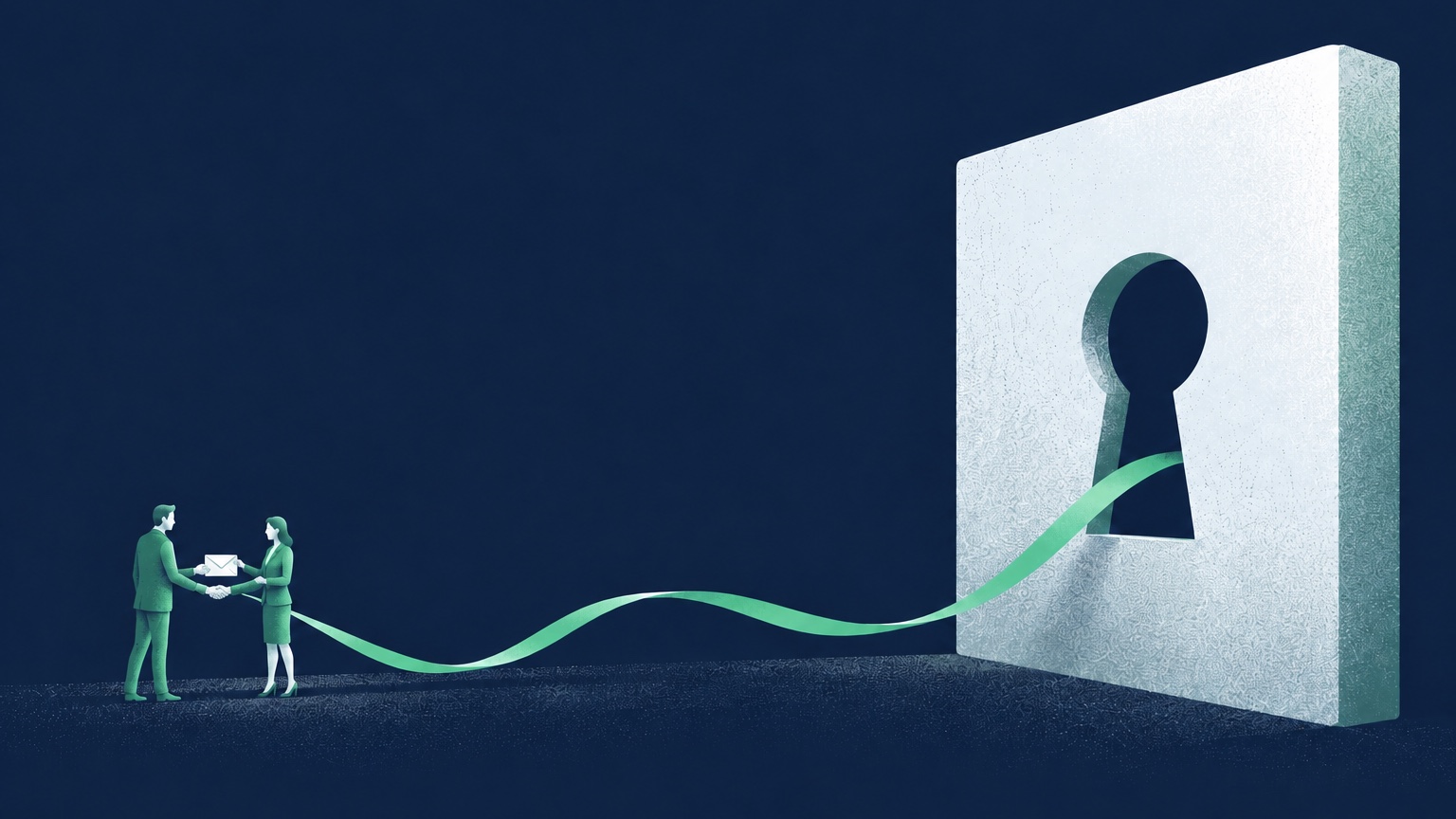
But something changed. The circle of who reads your clients' information used to be a few people in your company. Now it may include a system run by another company, and wherever that system keeps copies of what it read.
It is easy to make this change without noticing it as a change at all. It feels like installing a new tool. From the client's side, it is something else: their details are now being read in a way they did not expect when they shared them.
That gap, between what the client expected and what is actually happening, is where trust is lost.
Allowed Is Not the Same as Fair
When leaders discuss this, the conversation usually turns to permission. Do we have the right agreements? Is it allowed?
Those questions matter, and someone should answer them properly. But they are not the questions your client is asking. Your client is asking something simpler: did the people I trusted take care of what I told them?
A useful test is to imagine the client looking over your shoulder. They see the assistant answering a question about their account. They see which of their details it pulled to do so. Would they nod, or would they feel exposed?
If the honest answer is "they would feel exposed," something needs to change, whatever the contract says.
The AI Needs Less Than You Think
The information an assistant needs depends on the question. Start with the task, then decide which fields it really needs.
Quiet accounts Finding clients who have not heard from you in a month needs dates of last contact, not phone numbers.
Account summaries Summarising an account needs the history of the work, not the private remarks someone wrote after a difficult meeting.
Call preparation Preparing for a call needs the open issues and recent promises, not the client's home address.
A pattern I see often is the opposite: the connection is set up with access to everything, because that was the default and it was faster. Every field, every note, every record. Not because the assistant needs it, but because nobody decided otherwise.
The first privacy decision is what you choose to hand over. The second is what happens to it next: whether the provider keeps it, for how long, and whether it is used to train its models. Find out before you connect, not after.
Decide What the AI May See
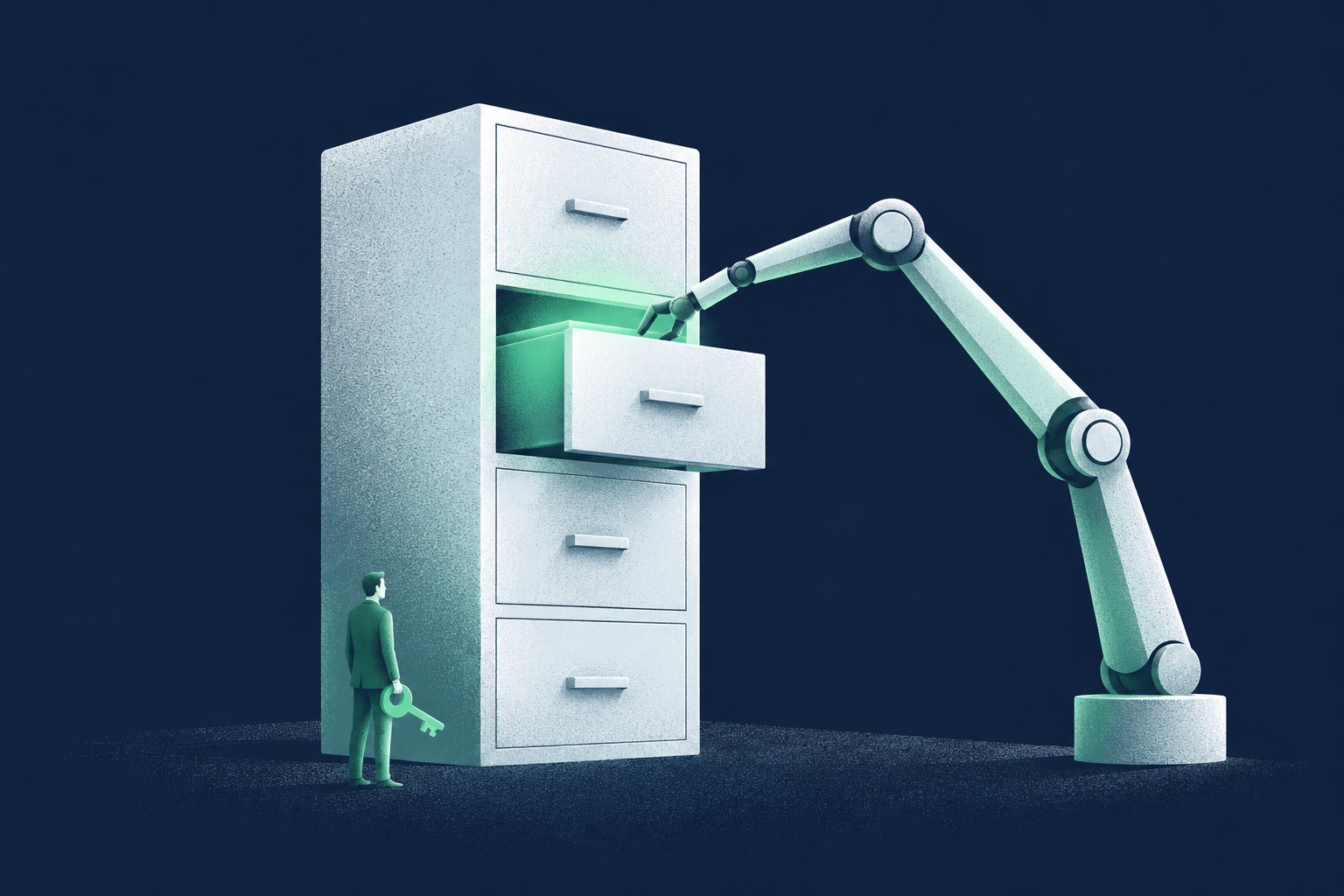
Treat the connection between your CRM and the assistant as a door you control, not a pipe you install once.
In practice, that means a few clear decisions:
- Choose the fields the assistant may read. Leave out personal notes, contact details and anything sensitive unless a specific task needs it.
- Choose the records. Some clients have asked for extra care, or work in sensitive areas. Keep them out until you have spoken with them.
- Keep each person's limits. The assistant should never show someone a record or a note they could not open in the CRM themselves.
- Hide what you can. Where names are not needed, use account numbers instead, and check that the remaining details do not still reveal who the client is.
- Keep a short record of who used the assistant and which records it read, so you can answer honestly if a client asks. Limit who can see that record, and delete it on a schedule. It is client information too.
- Review the setup regularly. Tools change, and so do the questions people ask them.
None of this stops your team from getting value. It means the value comes from the information the task needs, not from everything that happened to be available.
Tell People

The most overlooked step is the simplest one: tell your clients.
It is tempting to stay quiet, because the conversation feels risky. It is far easier when it comes first. "We use an AI assistant to help us serve you faster. Here is what it can see, and here is what it cannot." Some clients will ask for their information to be left out. Before you offer that, test it: exclude one account and check that its records no longer appear in any answer.
What damages trust is not the use of AI. It is discovering it later, by accident, and wondering what else was not said.
Telling people also changes the inside of the company. Once you have described in plain words what the assistant may see, everyone knows the line, and it is much harder to cross it without noticing.
A Promise, Not a Setting
The technology will keep getting better at reading what we give it. That is exactly why the decision about what to give it matters more each year.
Every piece of information in your CRM arrived because a client chose to share it with someone they trusted. Connecting an AI does not cancel that choice. It asks you to honour it in a new way.
Privacy is not a setting. It is a promise someone made to your client.